He thought he was rescuing a sheep—but it turned out to be something else
This bizarre French customer habit is driving shop owners crazy
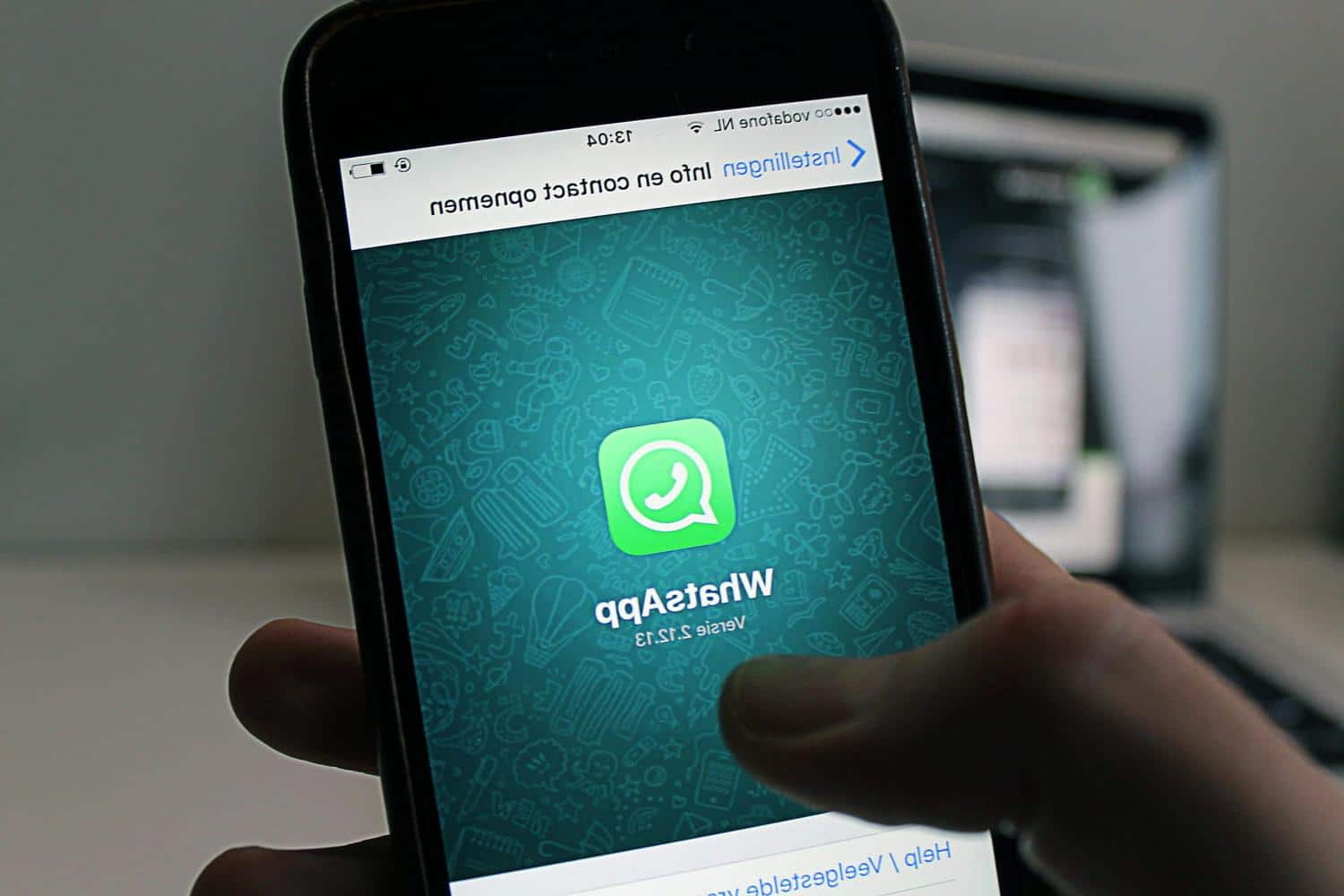
This default setting on all WhatsApp accounts could make it easier for malicious intrusions through group chats.
Almost everyone is a member of at least one group chat on WhatsApp: families sharing photos, friends planning dinners, colleagues organizing a surprise birthday, or even a news group for local updates. These message threads accumulate and end up shaping our days. However, it’s also common to be added to a group without realizing it, often by someone who simply has our number. Suddenly, you find dozens of messages, strangers in the participant list, and your own number visible to everyone. Being in a group with people not in your contact list is risky—it exposes your phone number, profile picture, or status to strangers, potentially leading to solicitation, scams, or unwanted sharing of your information. What seems like a simple chat can, without careful attention, turn into a real privacy issue.
According to researchers from Google’s Project Zero team and cybersecurity firm Malwarebytes, a hacker needs to have at least one contact from their target to add them to a newly created group chat. “According to Project Zero, this attack is relatively easy to replicate once the attacker has a list of potential targets,” they explained. Naturally, profiles handling sensitive information are more vulnerable, although not all users are affected.
The main concern isn’t a widespread hack, but a default setting. As Malwarebytes points out: “Google’s Project Zero recently uncovered a vulnerability in WhatsApp that allows a malicious media file sent in a newly created group chat to be automatically downloaded and used as an attack vector.” The firm notes that this flaw affects WhatsApp on Android and allows files to be downloaded without user action in group chats.
It is advisable to limit who can add you to groups by changing the setting from “Everyone” to “My Contacts,” possibly excluding some numbers, and to turn off automatic media downloads in “Storage and Data,” so that no file gets saved without your approval. WhatsApp has stated that it has rolled out a fix: in other words, keeping the app updated ensures you have the latest protections.
Similar Posts
- WhatsApp’s Default Setting Opens Doors for Scammers: What You Need to Know
- Uninstall these 12 Android apps that record your conversations
- How to Send Your Location via Text in an Emergency
- How to send your location via text in an emergency – a step-by-step guide ?
- Danger Looms on Google’s First Page: What You Need to Know Now!

Felix Marlowe manages Belles and Gals’ vibrant social media platforms. With expertise in social engagement and viral marketing, Felix creates content that sparks conversation and keeps followers coming back for more. From celebrity news to trending challenges, Felix makes sure our social media stays at the forefront of pop culture.