
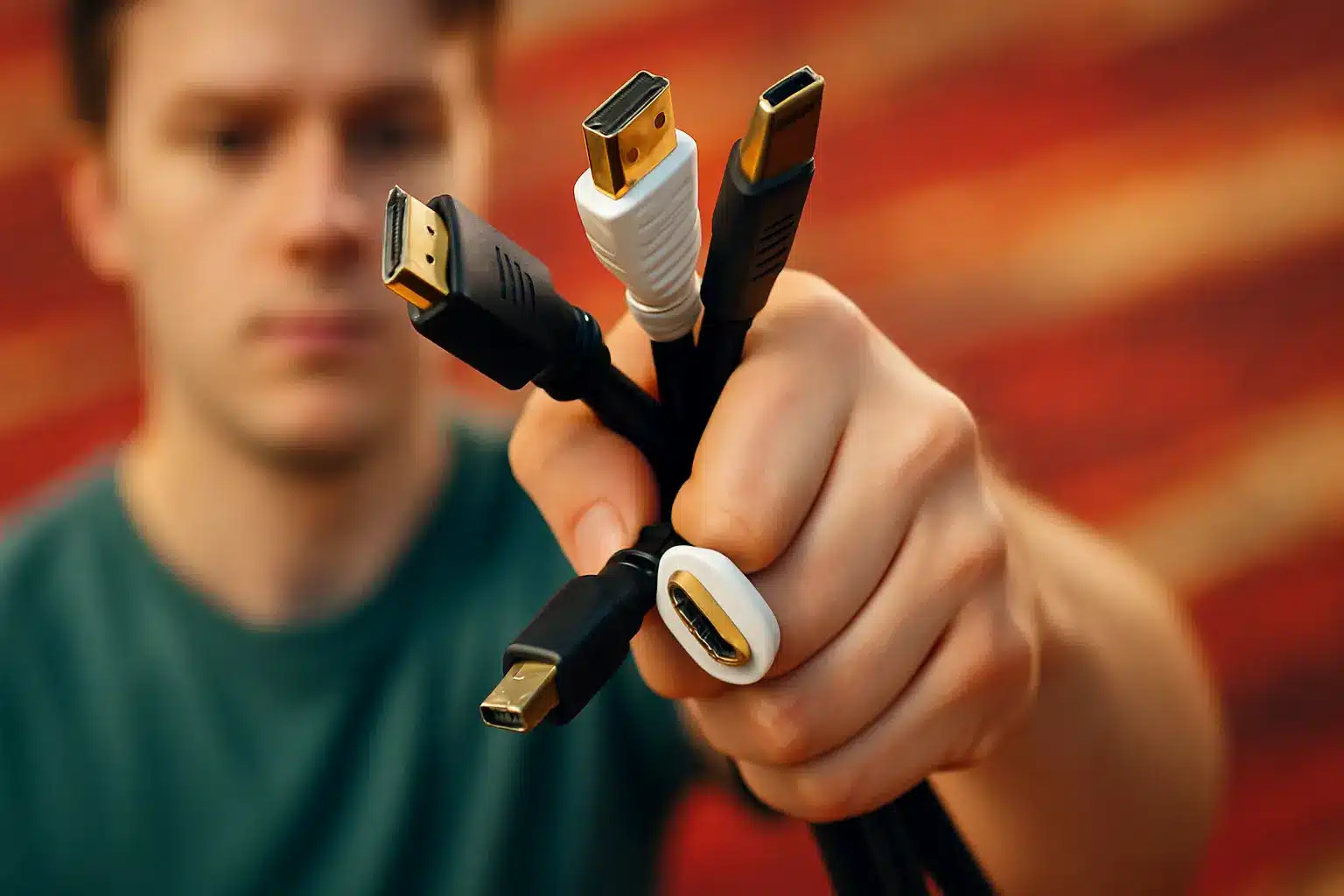
How to Choose the Right HDMI Cable for 4K, 8K or Gaming Devices
So, you’ve just unboxed your brand-new gaming console, 4K TV, or maybe you’re dusting off that Blu-ray player. All of these gadgets have one thing in common: they use HDMI (High-Definition Multimedia Interface) connectors to beam stunning sound and vision between your devices. But, as anyone who’s ever been dazzled (or confused) by the endless array of cables knows, picking the right HDMI cable can quickly turn into a digital guessing game. Worry not – we’ve untangled that knot for you.
He thought he was rescuing a sheep—but it turned out to be something else
This bizarre French customer habit is driving shop owners crazy
The Evolution of HDMI: More Than Meets the Eye
Since HDMI’s debut in 2002, the standard has gone through more twists and turns than your favorite TV drama. Why? To keep up with innovations like 3D, 4K video, and higher refresh rates. Now, the latest specification, HDMI 2.1, can even handle 8K and (if you really want to future-proof) 10K video.
There are notable differences between the widely used HDMI versions 1.4, 2.0, and the cutting-edge 2.1, particularly when it comes to typical maximum display speeds in 2D. The takeaway? The newer the version, the beefier the capabilities – at least in theory.
Choosing the Right Cable: What Really Matters
You’d be forgiven for thinking all HDMI cables are created equal, given their similar appearance. Yet, as with coffee and holidays, quality and compatibility make all the difference. Like Ethernet or USB cables, HDMI options are rated by their maximum bandwidth – that is, how much data they can shoot between your devices. This “data highway” carries sound, video, and digital info, and for top-notch images, there’s plenty to juggle.
- Resolution and Refresh Rate: The required bandwidth depends on your device’s resolution and how fast images refresh.
- Chrominance Subsampling: Whether it’s 4:2:0, 4:2:2, or 4:4:4, this affects how colors are transmitted.
- Color Depth: Some setups need 8, 10, 12, or even 16 bits per base color.
- HDR Metadata: High Dynamic Range support adds to the data load.
Make sure your HDMI cable can handle the necessary bandwidth. Watch out for misleading promises – just because a manufacturer says their cable is “HDMI 2.0 compatible” doesn’t guarantee it meets all the standards. Even more confusing, there’s no official certification system for HDMI cables by version number. So, look with a skeptical eye at any suspicious claims!
On the bright side, you don’t have to fret over functions advertised like ARC (Audio Return Channel) or CEC (control of all HDMI devices with a single remote). These features mostly depend on the devices themselves, not the cable – assuming the cable has enough bandwidth. Be aware that some TVs, for instance, support ARC on only one HDMI port out of many.
There’s one exception: the optional Ethernet Channel (HEC), which lets two devices share network data. For example, if your TV and Blu-ray player support HEC, connecting one to your internet box brings the other online too. Make sure the cable mentions this capability if you need it.
Understanding HDMI Cable Categories
To clear up the confusion, the HDMI certification organization recommends paying less attention to version numbers (1.4, 2.0, etc.) and focusing on actual needs like 3D, 4K, or HDR support. HDMI cables are now certified in only a few categories, so here’s the cheat sheet:
- Standard HDMI Cable: Handles up to 720p and 1080i video.
- High Speed HDMI Cable: Supports 1080p, 3D, Ultra HD 4K (up to 30 fps), HDR, and Deep Color.
- Premium HDMI Cable: Certified for Ultra HD 4K at 60 fps (HFR), BT.2020 color space, and dynamic HDR – perfect for recent gaming consoles like PS4 Pro or Xbox One X with 4K/60fps gaming.
- Ultra High Speed HDMI Cable: Recognized by a special logo, these transmit HDR 8K video.
Some cables are marked “With Ethernet” to show support for networking through HDMI, while “Automotive” variants feature car-specific connectors. All these distinctions are clearly labeled – at least, that’s the theory.
Buying Tips and Common Pitfalls
The internet may seem like the cable wonderland, but beware! Even certified cables sometimes come with annoying issues like connectors that become nearly impossible to unplug. Always check buyer reviews.
Length is another key factor. HDMI cables over 5 meters may struggle with signal transmission. If you need to go the distance, look for “active” HDMI cables that include a built-in signal amplifier, or opt for fiber optic HDMI cables – now available for reasonable prices (about €50 for 10 meters). They use the same connectors and are immune to interference.
Last but not least, double-check the HDMI specifications of your devices. Many devices feature multiple HDMI ports tied to different versions of the standard, and the connection will operate at the lowest shared version (that’s backward compatibility in action). If you plug your shiny 4K gaming console (HDMI 2.0) into your TV’s HDMI 1.4 port, don’t blame the cable if you’re not getting the performance you expected.
In short: Buy the right cable for your real needs, check device specs and cable certifications, and when in doubt, seek out those user reviews. Happy viewing – and may your pixels never stutter!
Similar Posts
- Phone Dead? Avoid This Major Mistake to Save Your Battery!
- Switch 2: Everything You Need to Know About Nintendo’s Upcoming Console
- Save over €850: This 86-inch LG TV is on an unbelievable sale on Amazon
- Android 16 update: Compatible smartphones, new features, release dates… Everything you need to know
- Top 3 Must-Have Toys for Christmas 2025, Industry Experts Reveal!

Felix Marlowe manages Belles and Gals’ vibrant social media platforms. With expertise in social engagement and viral marketing, Felix creates content that sparks conversation and keeps followers coming back for more. From celebrity news to trending challenges, Felix makes sure our social media stays at the forefront of pop culture.


